
Everything your AI assistant does — out of the box
No integrations. No content to write. Just a URL — and your users get instant help.
Auto-learns your product
Crawls your site and builds a knowledge base — no manual setup
Answers user questions 24/7
AI chat widget with conversations, citations, and email fallback
Shows you what's confusing
Dashboard with answer rates, satisfaction scores, and trends
Matches your brand
Widget adapts colors, fonts, and style to your website automatically
Free during beta. No credit card required.
Automated Knowledge Base
Paste a URL. Get a working AI assistant in minutes.
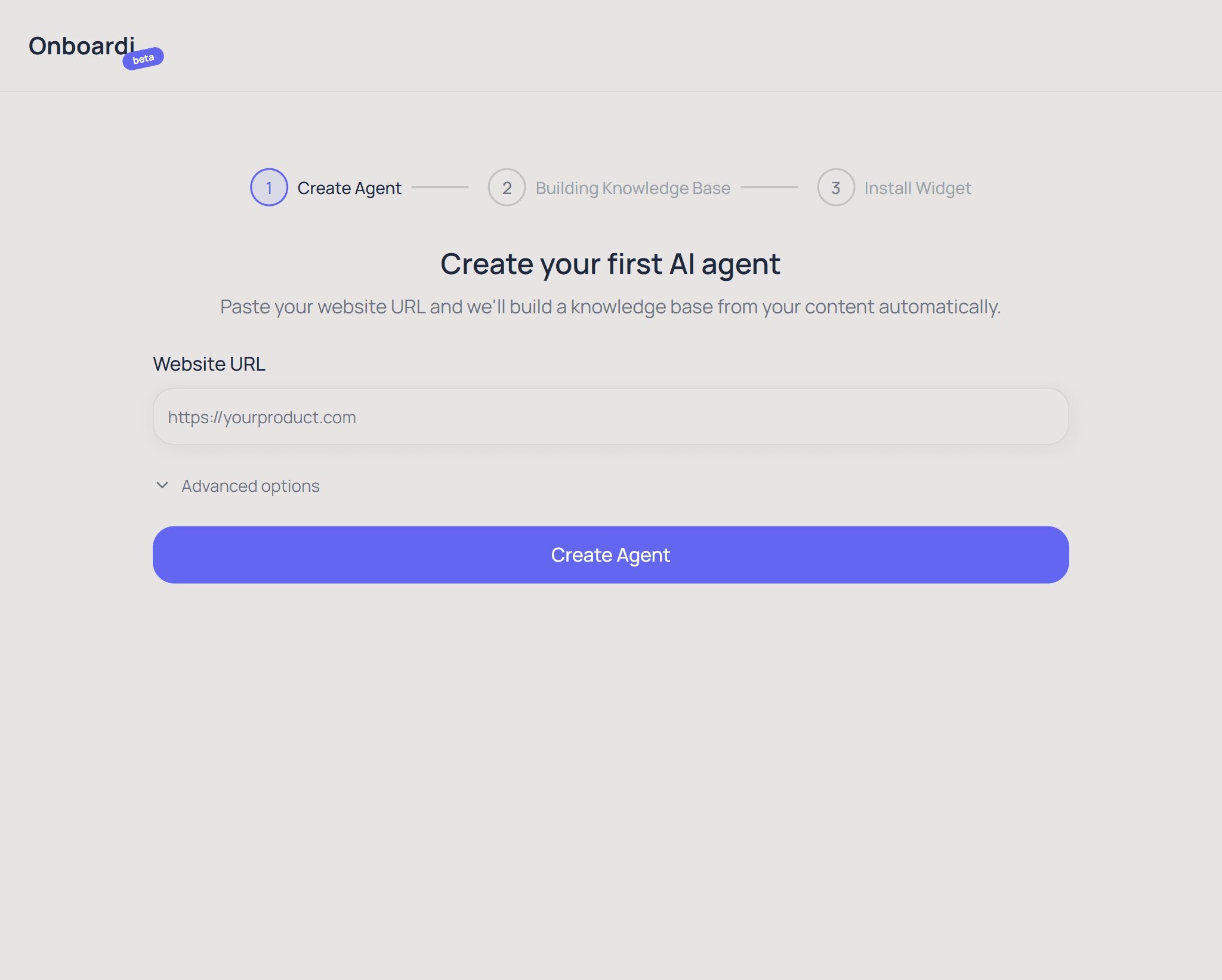
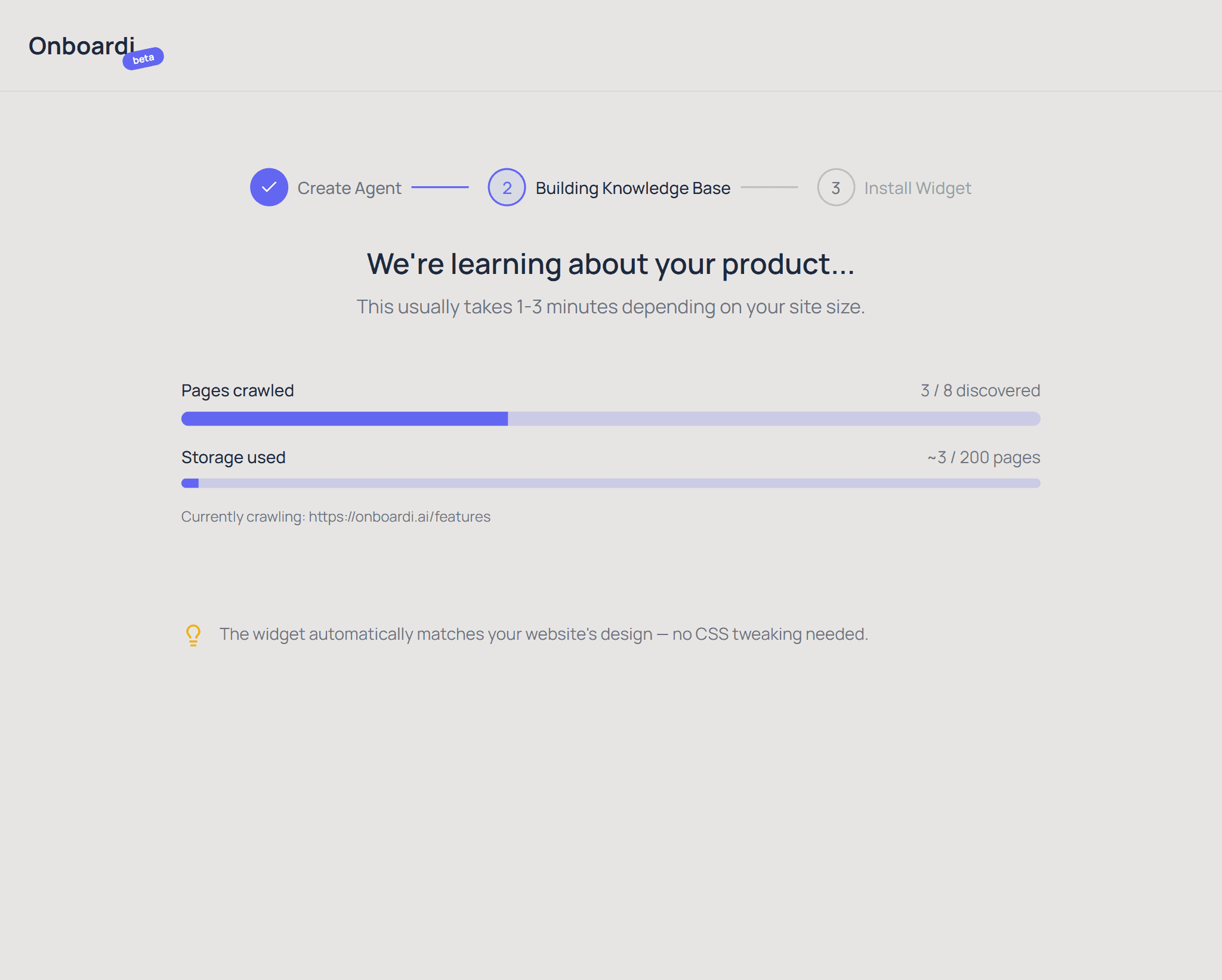
Onboardi.ai automatically crawls your website, extracts content, and builds a knowledge base your AI assistant uses to answer questions. Onboardi.ai uses Playwright to crawl up to 50 pages (2 levels deep), then converts the content into searchable vector embeddings — no manual content creation needed.
You don't write FAQ entries. You don't tag articles. You don't configure intents. Just provide your website URL, and the crawler does the rest — navigating your pages, extracting the meaningful content (skipping navigation, footers, and scripts), and organizing it into a searchable knowledge base.
When your product changes, recrawl your entire site or individual pages with one click. The knowledge base updates in the background while your assistant keeps running.
AI Chat Widget
Your users ask questions. Your assistant answers — instantly.
Onboardi.ai provides an embeddable AI chat widget that answers product questions in real time using the knowledge base, with source citations and multi-turn conversational context.
The widget understands follow-up questions naturally. When a user asks "what about pricing?" after discussing features, the AI resolves context from the conversation history — no keyword matching, no rigid flows. Responses include source links so users can dig deeper.
When the AI can't find an answer in the knowledge base, it doesn't guess. It tells the user honestly and asks for their email so you can follow up personally. Every unanswered question is saved and visible in your dashboard — turning support gaps into product insights.
Screenshot: Chat widget with conversation and source citations
Screenshot placeholder
Adaptive Theme
Looks like it belongs on your site — from day one.
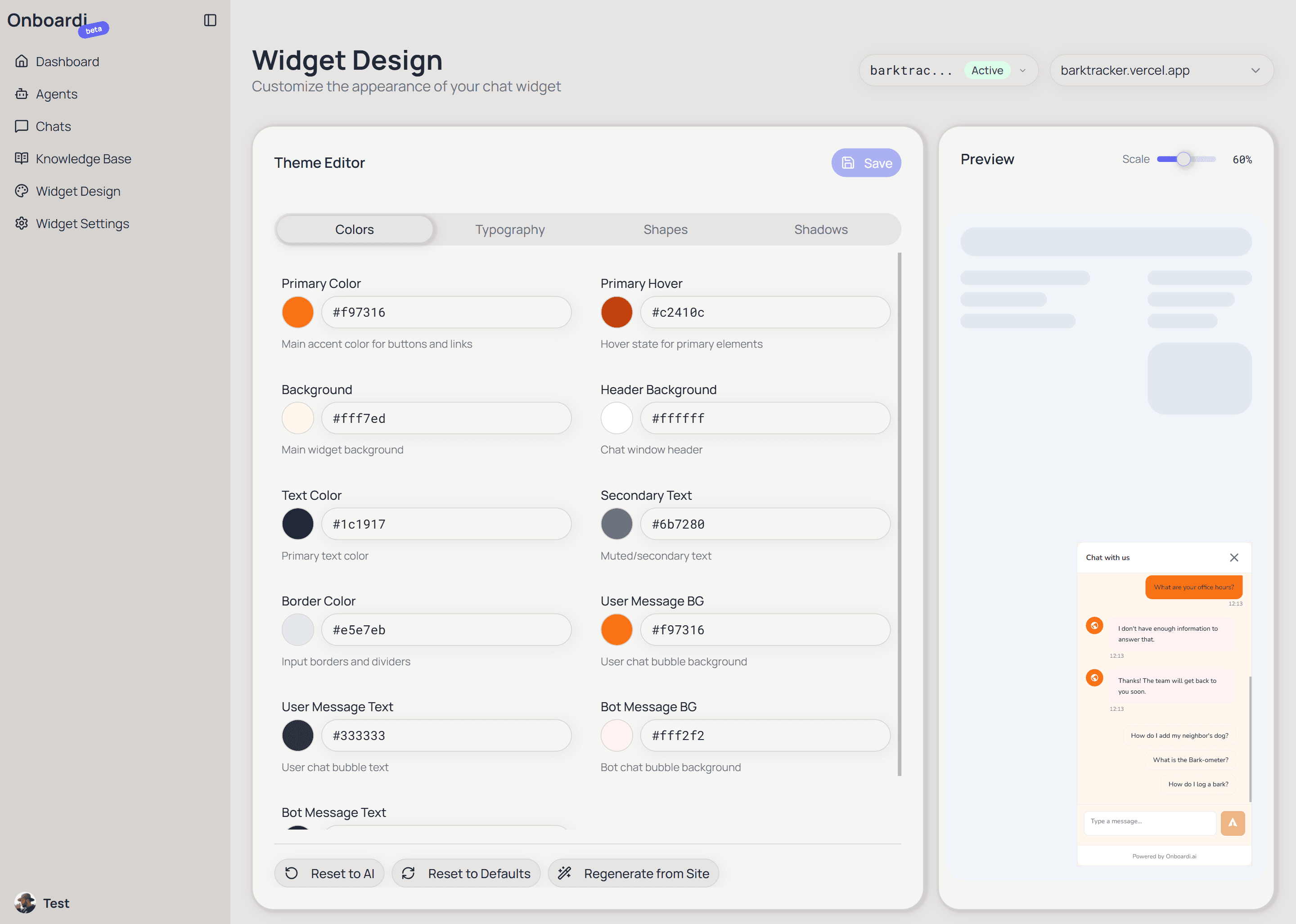
Onboardi.ai's chat widget automatically detects your website's colors, fonts, and visual style, then generates a matching theme using AI — no design configuration required.
On first load, the widget reads CSS variables and computed styles from your page. Those styles are mapped to the widget's design tokens by an AI model, then validated for accessibility (WCAG AA contrast compliance) and cached so returning visitors see the correct theme instantly.
If you want to fine-tune the look, the admin dashboard includes a visual theme editor with color pickers, font selection, and a live preview panel that updates in real time as you make changes.
Analytics Dashboard
See how your users interact — and where they get stuck.
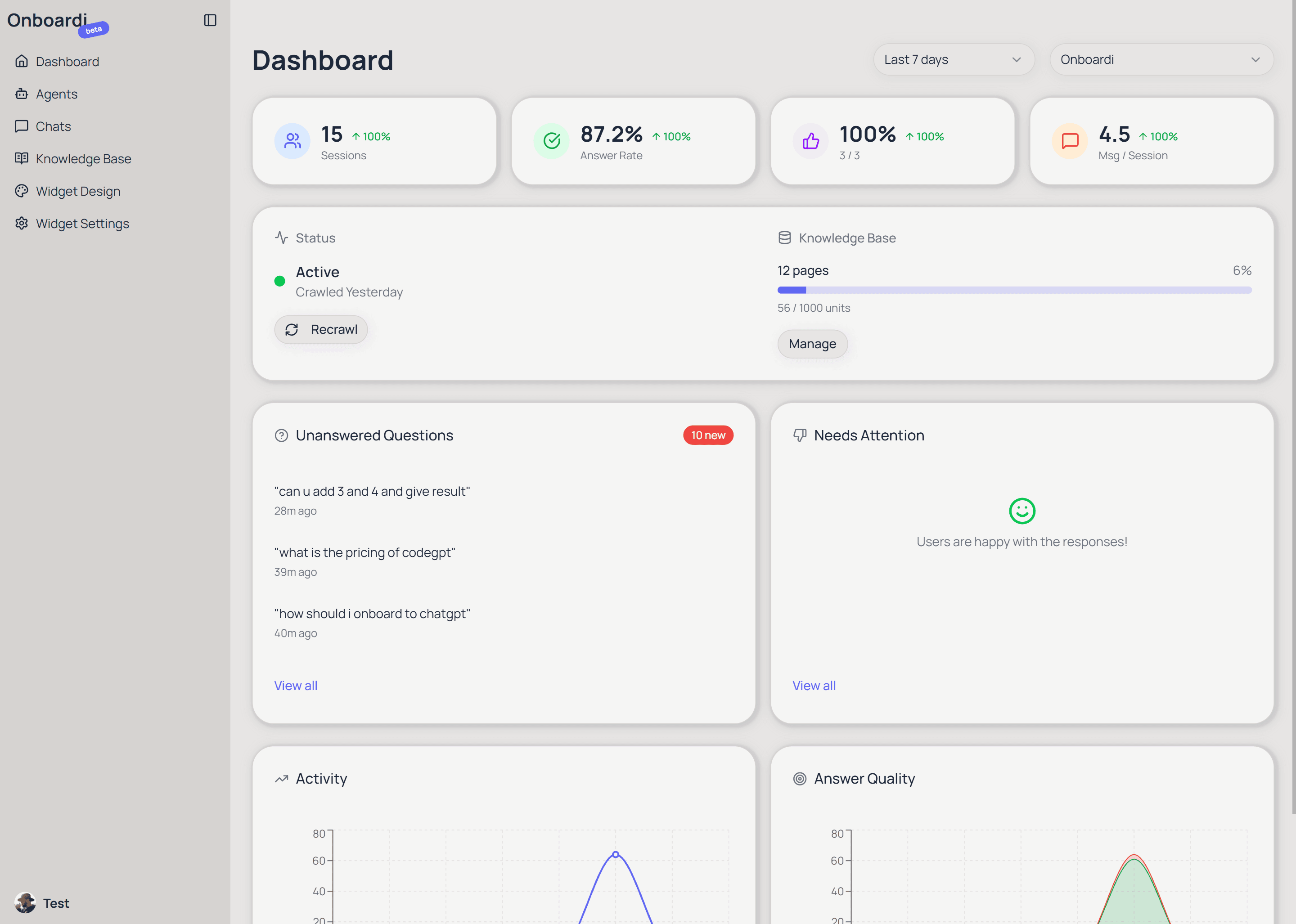
Onboardi.ai includes an analytics dashboard that tracks sessions, answer rate, user satisfaction, and messages per session — with trend comparisons across time periods.
The dashboard gives you four health metrics at a glance, each comparing the current period to the previous one so you can spot changes. Below the metrics, activity charts show message volume and answer quality over time — how many questions were answered vs. went unanswered.
An "Attention required" section surfaces the most important items: recent unanswered questions and negatively-rated responses, with click-through links to the specific conversations.
Knowledge Base Management
Full control over what your assistant knows.
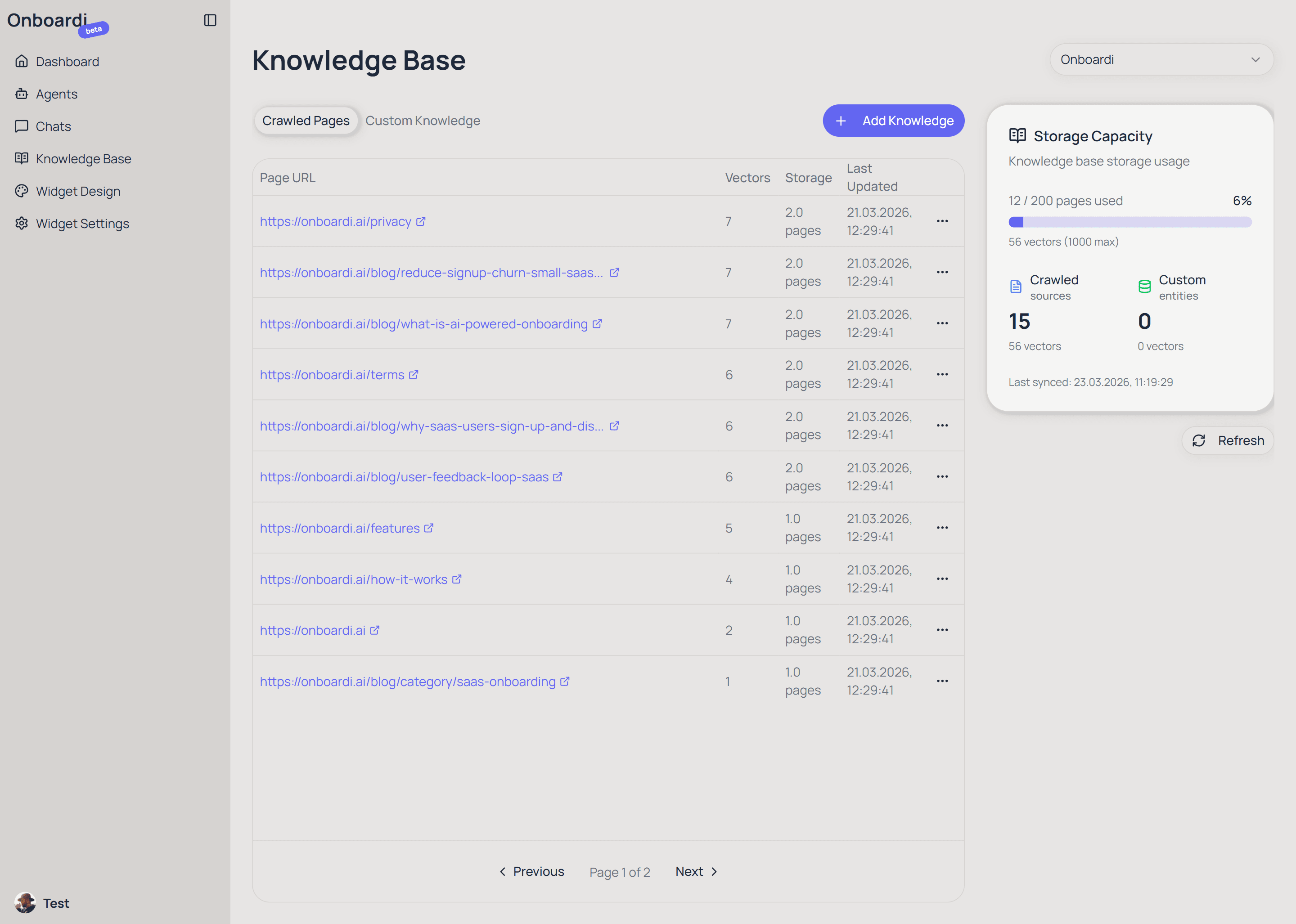
Onboardi.ai lets you manage your AI assistant's knowledge base — view crawled pages, add custom content manually or by URL, and recrawl individual pages when content changes.
The Crawled Pages view shows every page your assistant knows about, with page equivalents and last-updated timestamps. Delete irrelevant pages or recrawl specific ones without rebuilding the entire knowledge base.
Need to add content that isn't on your website? Custom Knowledge lets you add text directly or provide a URL for Onboardi to crawl. This is useful for internal docs, release notes, or answers that don't live on your public site yet.
Unanswered Questions → Product Insights
Every question your AI can't answer is a signal.
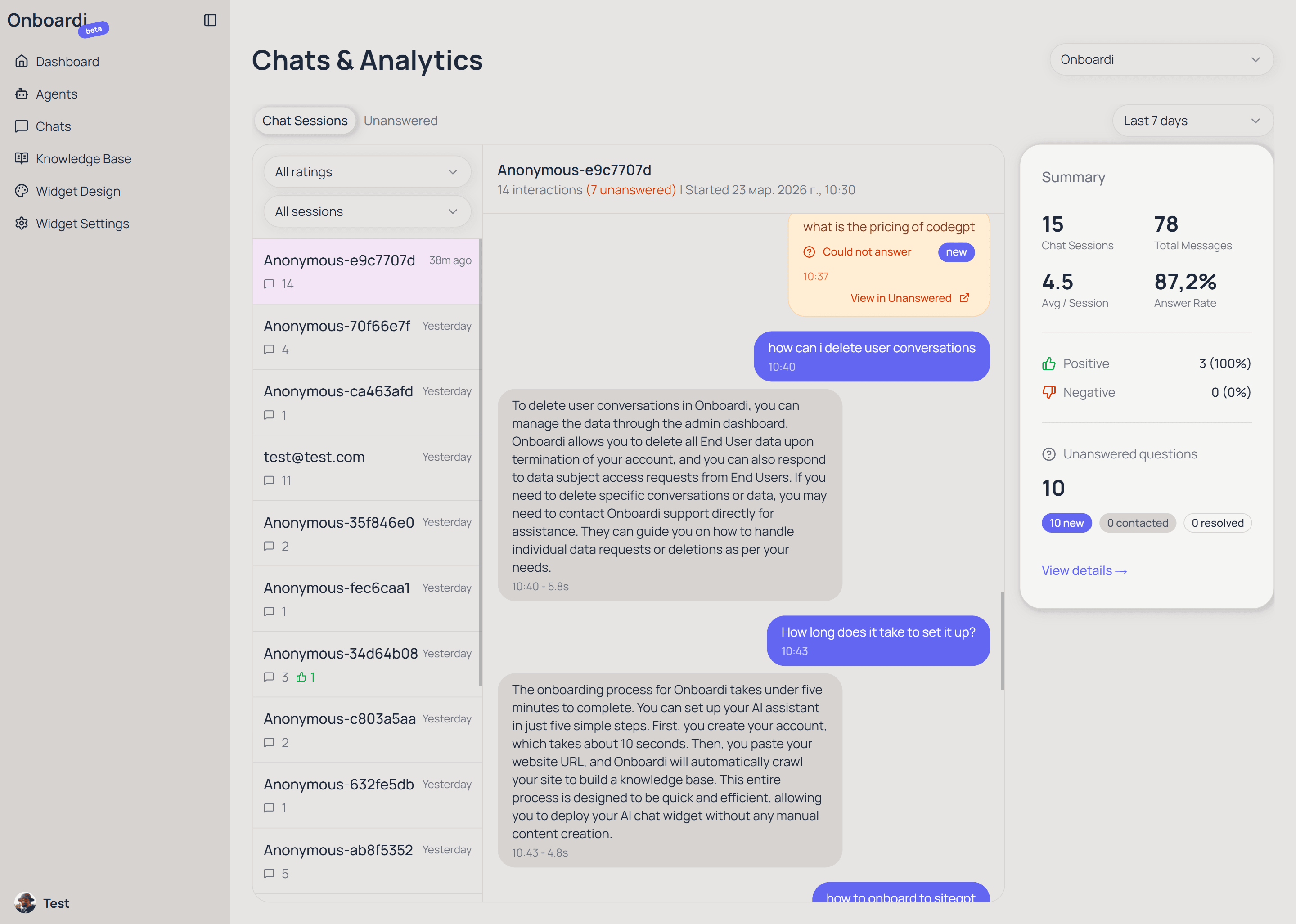
Onboardi.ai saves every question the AI assistant can't answer, so founders can review them, follow up with users, and convert the best ones into knowledge base entries — creating a feedback loop between support and product.
When a user asks something the knowledge base doesn't cover, two things happen: the user is prompted to leave their email (so you can follow up), and the question is logged with its similarity score and status.
From your dashboard, you can review these questions, mark them as contacted or resolved, and — most importantly — convert them directly into Q&A knowledge base entries. Next time someone asks the same thing, your assistant has the answer. Your support gaps literally become your product roadmap.
Widget Customization
Make it sound like you — not like a generic bot.
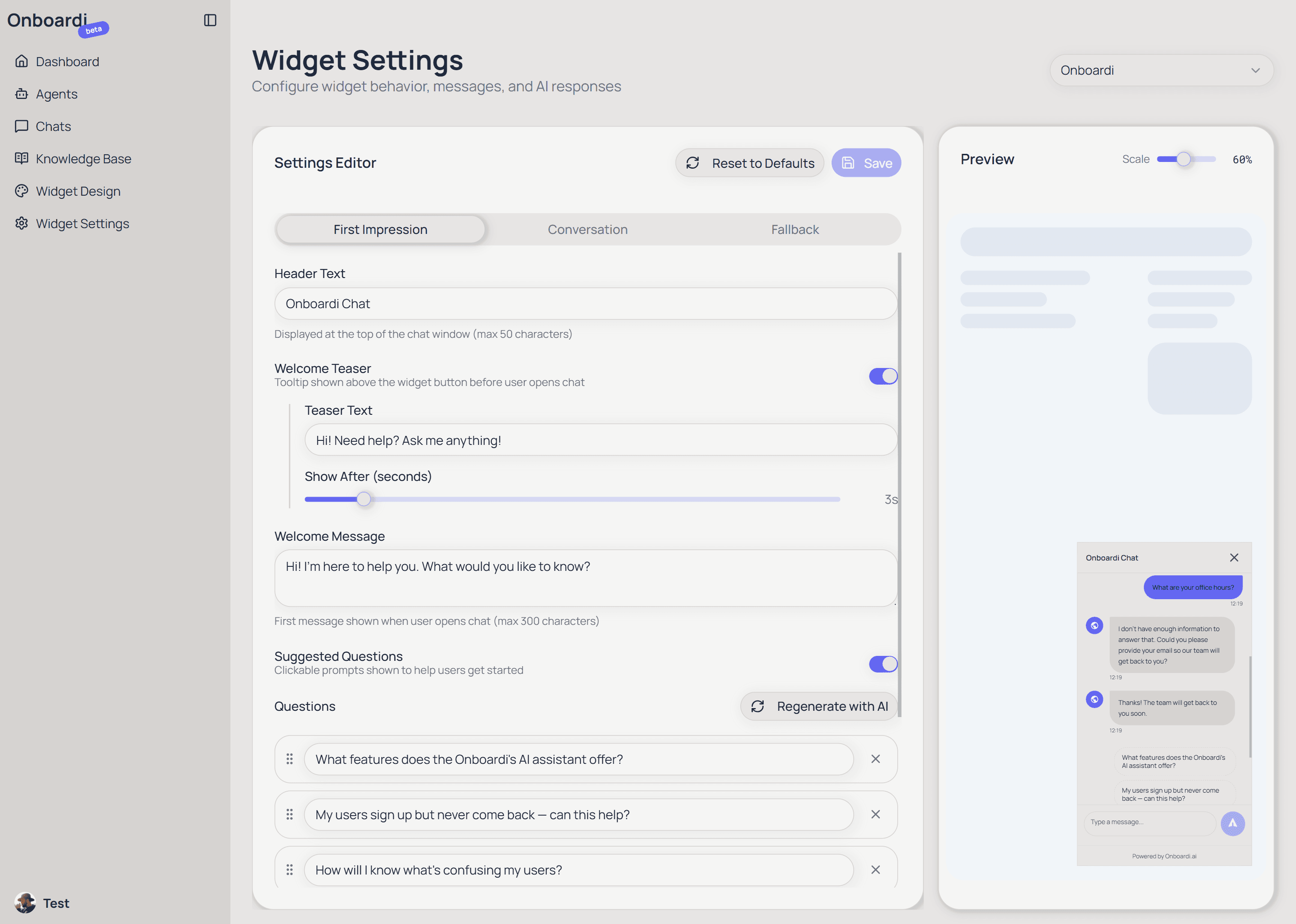
Onboardi.ai lets you customize the chat widget's welcome message, teaser text, suggested questions, fallback messages, and input placeholder — all from the admin dashboard with a live preview.
Suggested questions appear as clickable chips when the chat opens, guiding users toward common topics. They're auto-generated from your knowledge base after the initial crawl, but you can edit, reorder, or regenerate them anytime.
Follow-up questions appear after each AI response, keeping the conversation flowing. Both types respect a single "questions to display" setting, so you control how many options users see at once.
The fallback flow — what happens when the AI can't answer — is fully customizable too. Change the "I don't know" message, the post-email thank-you text, and the welcome teaser that appears above the widget button.
One-Line Installation
Copy. Paste. Done.
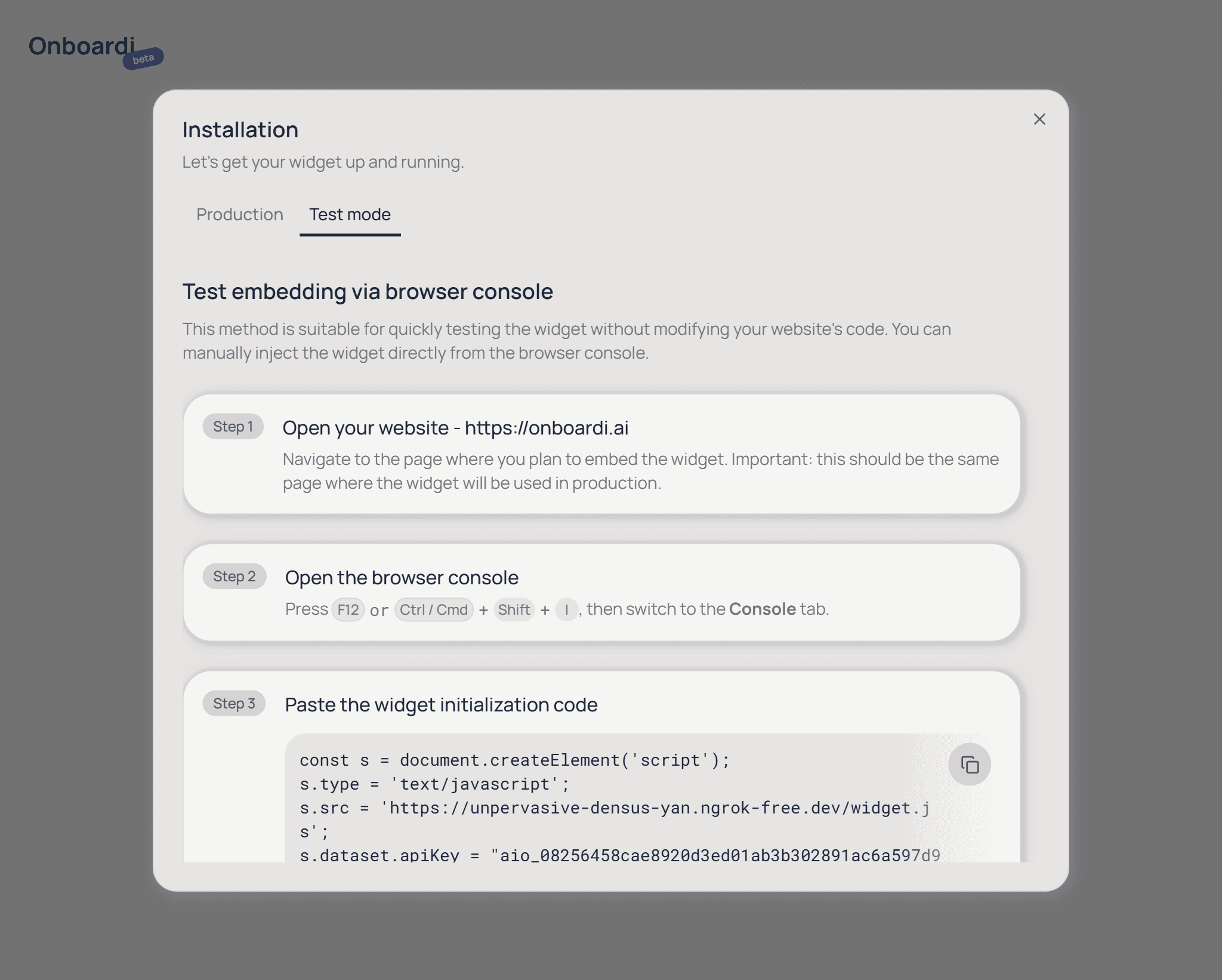
Onboardi.ai installs with a single script tag — paste one line of HTML into your website, and the AI chat widget is live.
No npm packages, no build steps, no framework plugins. The script tag works with any website — static HTML, React, Next.js, Vue, or any other stack. The widget loads asynchronously (won't block your page) and renders inside a Shadow DOM, so it never conflicts with your existing styles.
The admin dashboard includes copy-ready installation guides for plain HTML, single-page applications, and server-side rendered frameworks — with code snippets you can paste directly.
Frequently Asked Questions
Common questions about Onboardi.ai's features and capabilities.
Your users have questions. Give them answers.
Free during beta. Setup takes 2 minutes.
Get your AI assistant